 Ink Friendly
Halloween · Print-true
Cat pumpkin stencil
Print both cats and pick at the table, or print just the one you want. There are two original cat carving patterns, a bold sitting-cat silhouette and a front-on cat face, printed at true size from your browser. Every sheet carries its own carve guidance, and nothing you do here leaves your device.
Adjust
Details
How this cat stencil page works
Both cats are original geometric constructions: silhouettes and features built in code from circles, polygons and arcs, with nothing traced from anyone's artwork. That is a legal necessity, and it helps the carving too. Constructed shapes have long, clean edges that saw well, while traced patterns carry hairline detail that is lost the moment a knife touches it. The sitting cat here is the same geometry the main stencil library uses, from one definition shared by both pages, so the two pages print the identical cat. The cat face is only on this page.
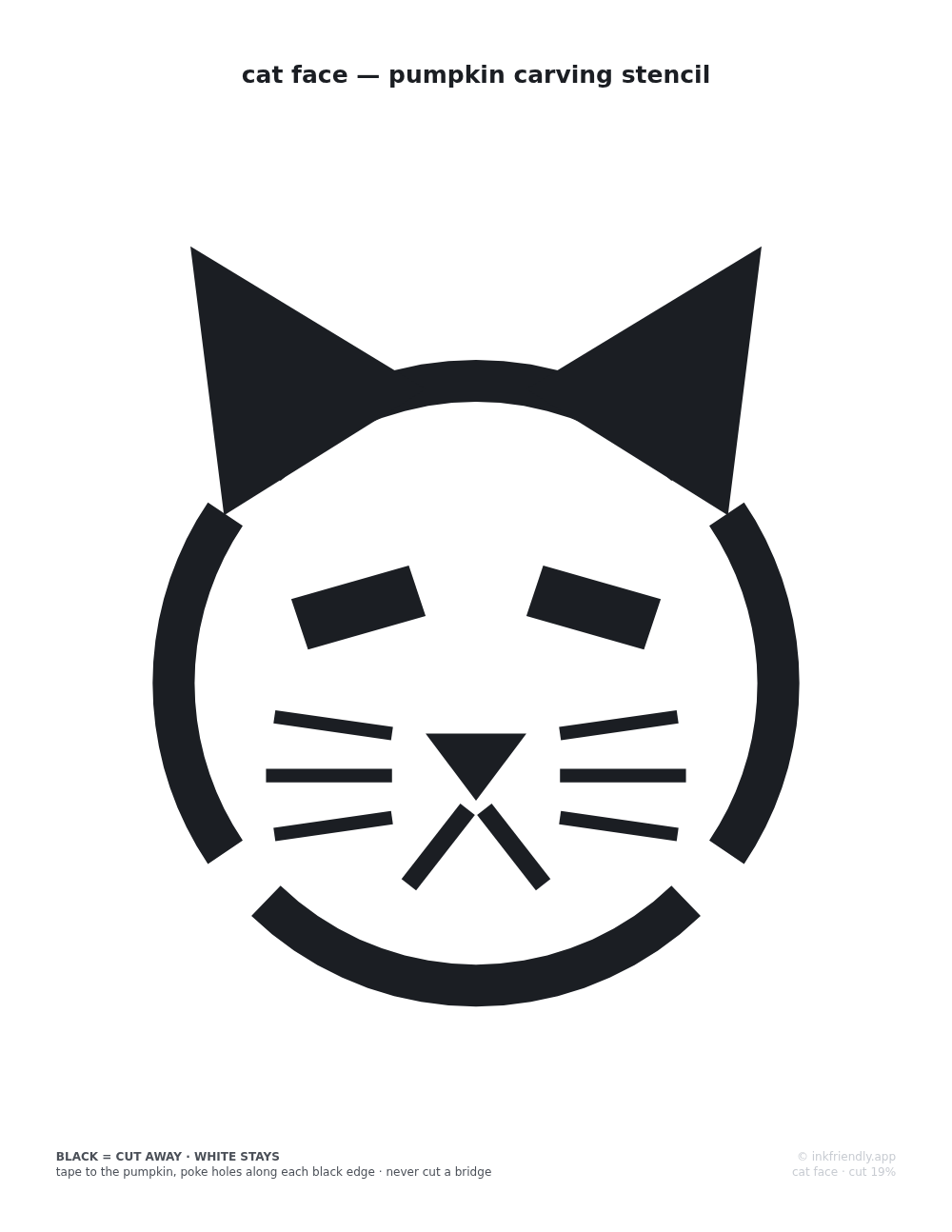
The two cats are two difficulty levels. The sitting cat is a single solid silhouette with only outside edges and nothing to break, which makes it the beginner's cut. The cat face works the other way round: the outline ring, ears, eyes, nose and whiskers are the cuts, and the pumpkin inside the ring stays. Four bridge gaps break its outline and hold the face's center to the shell. The page's tests flood-fill the actual geometry of both cats and check that no region of pumpkin is ever fully surrounded by cuts. The "cut area" figure on each sheet comes from the same geometry and shows how much of the design is cut away.
These are single-layer stencils: each area is cut through or left alone, with no shaved half-depth layer. The cat face's whiskers are the thinnest cuts on either sheet and get narrow on a small pumpkin, so if you are carving with kids, the sitting-cat silhouette is the safer pick. Set the print dialog to 100% or "Actual size". "Fit to page" shrinks everything a few percent, and what that mostly costs a stencil is bridge width, the one dimension you want untouched.